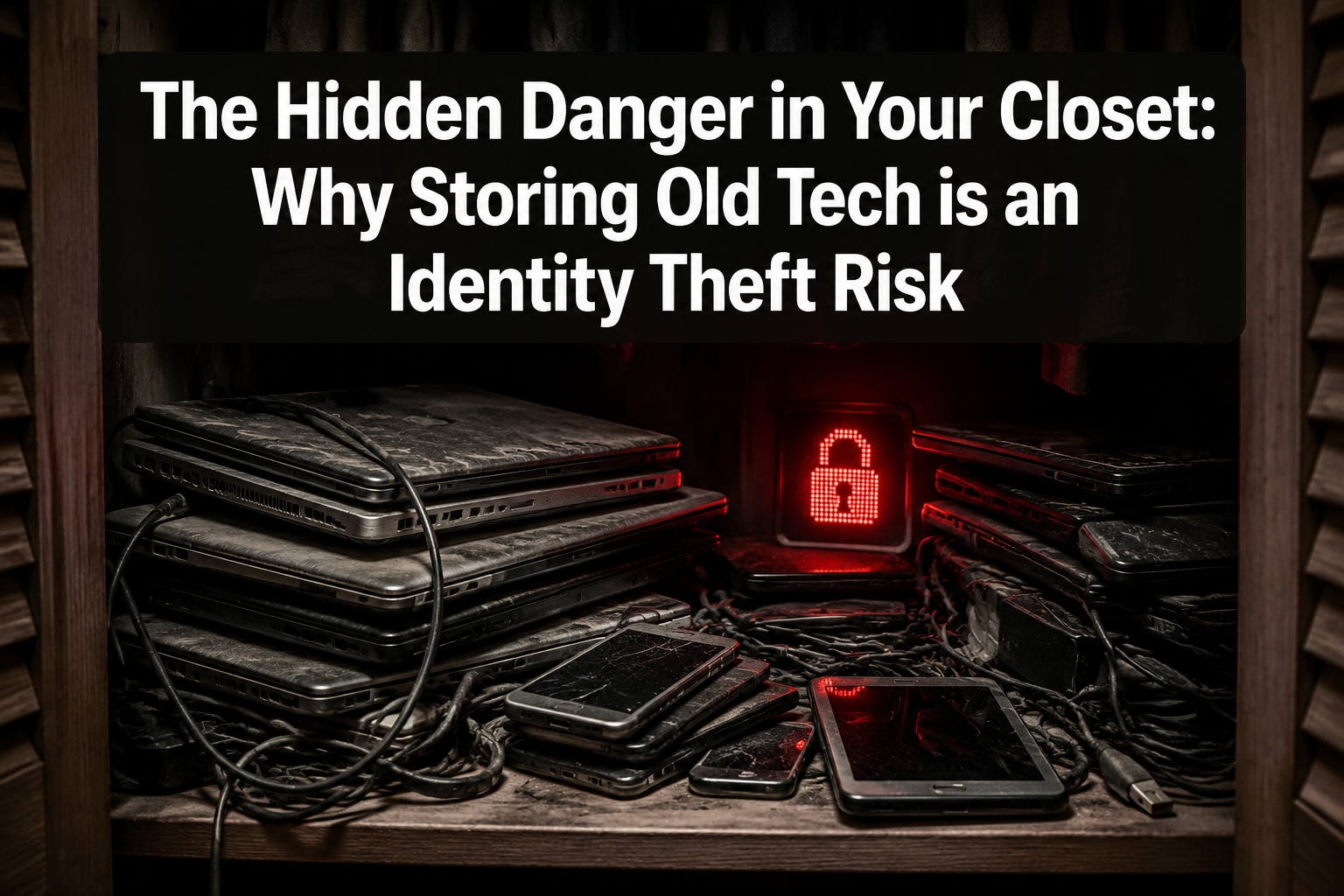
The Hidden Danger in Your Closet: Why Storing Old Tech Is an Identity Theft Risk
Last updated: May 19, 2026
Quick Answer: Storing old tech — laptops, phones, tablets, and external drives — in closets and drawers is a measurable identity theft risk. Those devices still hold saved passwords, banking details, tax records, and scanned IDs that can be recovered with basic tools, even after deletion. The safest move is professional data sanitization followed by responsible recycling or refurbishment, not indefinite storage.
Key Takeaways
- Old devices stored at home contain recoverable login credentials, financial data, and identity documents [1]
- Over 60% of used hard drives sold on marketplaces still contain accessible personal data [2]
- Simple file deletion and even factory resets do not fully erase data — basic forensic tools can recover it [4]
- 52% of physical data compromises in tracked incidents were caused by device theft and improper disposal [3]
- Devices used for work may still hold VPN profiles, Wi-Fi credentials, and cached corporate logins [1]
- “Storage as procrastination” creates large, delayed exposure events when devices are eventually moved out [2]
- Certified data destruction with a Certificate of Data Destruction is the only reliable way to eliminate risk
- San Antonio residents can drop off old devices for Free Computer Recycling at Alamo Geeks — no appointment needed, five days a week
What Data Is Actually Sitting on Old Devices You’re Storing?
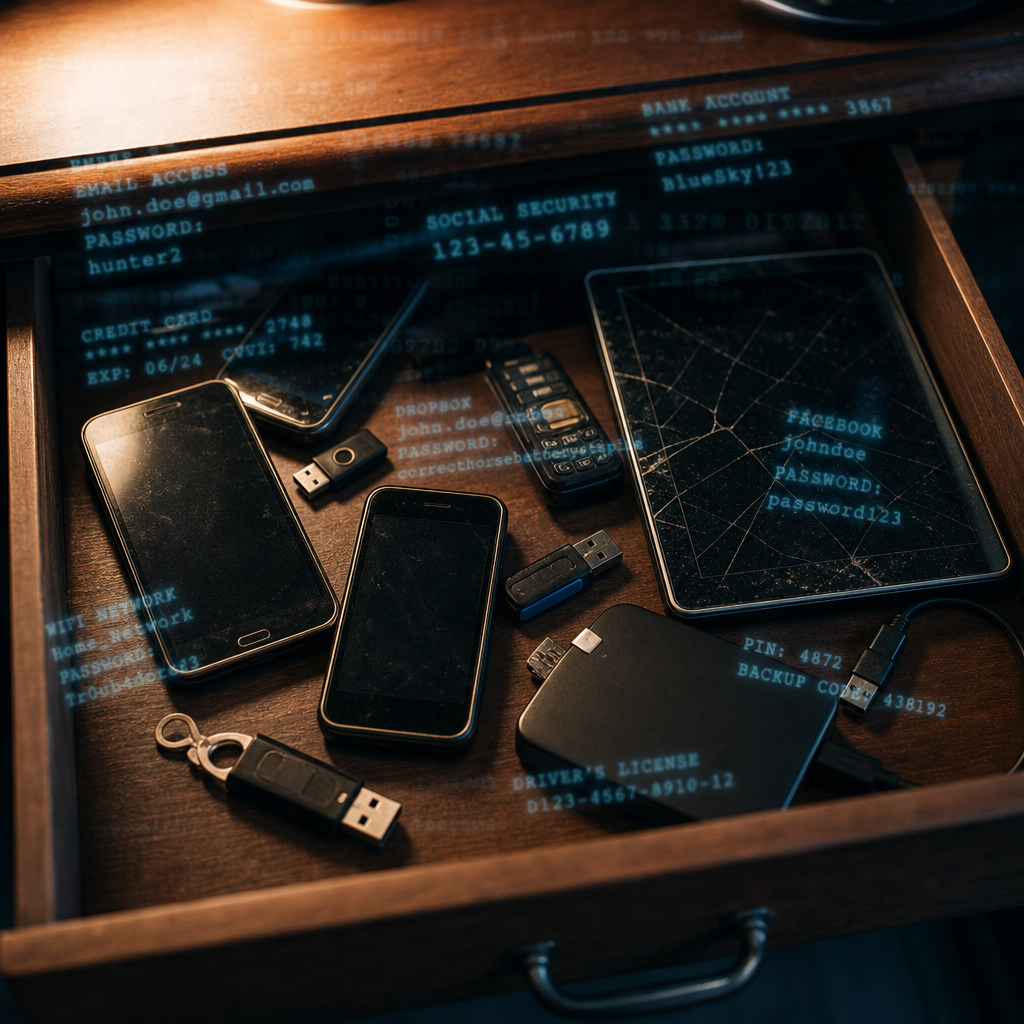
More than most people realize. Every old laptop, phone, or tablet stored in a drawer is a snapshot of your digital life at the time you last used it.
Here’s what’s typically recoverable from stored devices:
- Saved passwords for email, banking, and social media accounts
- Credit card and banking details stored in browsers and apps
- Scanned copies of IDs — driver’s licenses, passports, Social Security cards
- Tax returns and financial documents (PDFs, spreadsheets, photos of W-2s)
- Medical records and insurance information
- VPN profiles and corporate login credentials from work use
- Persistent session cookies that can grant access to accounts without a password
- Personal photos and messages that can be used for social engineering
Help Net Security’s 2025 reporting confirms that old devices typically retain all of these data categories, and that they can be weaponized for identity theft and account takeovers when devices eventually leave storage — whether by theft, donation, or informal resale [1].
Common mistake: Assuming a device is “safe” because it’s powered off. The data on the hard drive or flash storage doesn’t degrade just because the device is sitting in a closet. It stays intact for years.
Why Is Storing Old Tech More Dangerous Than You Think?
Because storage is almost never permanent. The real threat isn’t the closet itself — it’s what happens when those devices eventually leave it.
People store old tech with good intentions: “I’ll wipe it later,” or “Someone might need it.” But later rarely comes with proper data sanitization. A Comparitech study found that over 60% of 200 used hard drives purchased on marketplaces like eBay still contained accessible personal data, including files and login credentials. A separate Blancco study found 42% of used drives from similar sources still held retrievable personal or corporate data [2].
The pattern is clear: devices get stored, then eventually sold, donated, given to a family member, or tossed in the trash — almost always without proper wiping.
The “Storage as Procrastination” Problem
eSmart Recycling identifies this as a major risk pattern for both individuals and businesses. Organizations and households park outdated laptops, servers, and phones in closets or off-site storage, then move them out in bulk with minimal oversight, creating large, delayed exposure events [2]. Every one of those devices holds pieces of a digital life — emails, passwords, tax records, banking info — and even factory resets are often insufficient to erase them.
The Identity Theft Resource Center (ITRC) tracked 78 physical data compromises in 2020 alone, and 52% were due to device theft and improper disposal [3]. That’s not a hypothetical risk. It’s a documented, trackable cause of identity theft.
Can’t I Just Delete Everything or Factory Reset My Old Device?
No. Simple deletion and factory resets are not enough to protect your data.
This is the most dangerous misconception about storing old tech. When you delete a file, the operating system removes the pointer to that file — but the actual data remains on the drive until it’s overwritten. Protec Recycling reports that common recovery tools can pull data from reformatted drives, and that even physically damaged drives (such as those with a drilled hole) can often yield enough information for criminals to reconstruct identities and open fraudulent credit lines [4].
What doesn’t work:
| Method | Protection Level | Why It Fails |
|---|---|---|
| Dragging files to trash | None | Data remains fully intact on drive |
| Factory reset (phone/tablet) | Minimal | Flash storage often retains recoverable data |
| Quick format (hard drive) | Minimal | Only removes file system pointers, not data |
| Full format (single pass) | Moderate | May leave recoverable traces on older drives |
| Multiple overwrites + junk data | Better | Still may leave traces on SSDs due to wear leveling |
| Certified data sanitization | Complete | Uses verified methods; issues documentation |
Privacy-focused communities confirm this reality. Even multiple factory resets plus overwriting with junk data may still leave recoverable traces, particularly on solid-state drives where wear-leveling algorithms distribute writes across cells in ways users can’t control [5].
The bottom line: If you’re not using certified, professional-grade data sanitization tools — or physically destroying the storage media — your data is likely still there.
What Are the Real-World Consequences of a Data Leak From Old Devices?
Identity theft from improperly handled old tech can result in financial loss, legal liability, and years of recovery.
Lehrman Law notes that old computers and mobile devices containing personal identifiers and financial data can lead to civil liability, regulatory penalties, and lawsuits for organizations — especially when those devices have been sitting untracked in storage instead of being wiped or destroyed under a documented policy [10].
For individuals, the consequences include:
- Fraudulent credit lines opened in your name using recovered ID scans and financial data
- Bank account takeover using saved credentials and session cookies
- Tax fraud from recovered W-2s and Social Security numbers
- Corporate network breaches if work credentials are recovered from a personal device [1]
- Social engineering attacks using personal photos, messages, and contact lists
The ITRC explicitly frames data-secure e-waste handling as a core part of identity theft prevention, not just an environmental issue [3]. Poor e-waste practices — including letting devices sit until they’re eventually discarded without proper data destruction — directly increase personal risk.
How Should You Properly Handle Old Tech You No Longer Need?
Back up anything you want to keep, then get the device professionally sanitized — or bring it to a certified recycler who will do it for you.
Step-by-Step Checklist for Handling Old Devices
- Inventory your old devices. Check closets, drawers, garages, and storage units. Include laptops, desktops, phones, tablets, external drives, and USB sticks.
- Back up any data you need. Transfer important files to a current device or secure cloud storage.
- Remove SIM cards and SD cards from phones and tablets.
- Do NOT attempt to sell or donate without professional wiping. A factory reset is not sufficient.
- Bring devices to a certified recycler that provides documented data destruction.
- Request a Certificate of Data Destruction for your records — especially for devices that held financial or work data.
- Consider upgrading to a professionally refurbished machine instead of buying new.
Decision rule: If a device ever connected to your email, bank, or work accounts, treat it as a security risk until it’s been professionally sanitized. No exceptions.
Where Can San Antonio Residents Safely Recycle Old Tech?
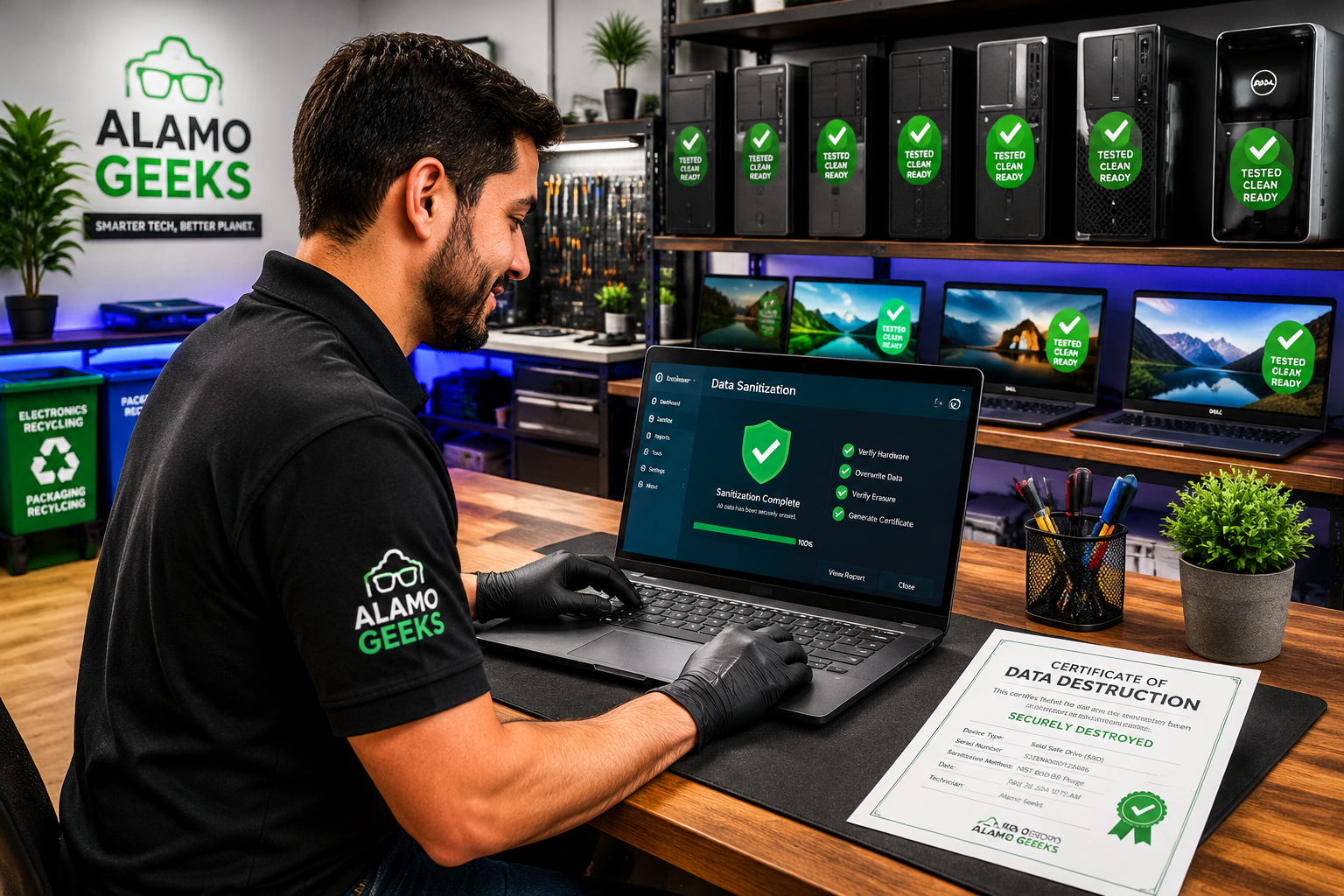
Alamo Geeks provides Free Computer Recycling for residential drop-offs in San Antonio — no appointment needed, open five days a week, with guaranteed data sanitization.
Here’s what makes this different from tossing devices in a bin or handing them to a random hauler:
- Certified data destruction. Every device receives professional-grade data sanitization. A Certificate of Data Destruction is available so you have documented proof your data was eliminated.
- No cost for residential drop-offs. Bring old laptops, desktops, phones, tablets, and drives at no charge.
- Onsite Business Pickup available for companies clearing out stored hardware in bulk — eliminating the “delayed exposure event” risk that eSmart Recycling warns about [2].
- Security-to-Performance pipeline. Devices that can be given a second life are professionally refurbished — not just wiped and resold. SSDs are upgraded, systems are professionally tested, and machines are restored to reliable working condition.
Need a replacement? Alamo Geeks specializes in Professionally Refurbished Computers — from budget-friendly Dell Optiplex desktops to high-performance ThinkPad laptops with 10th-gen Intel processors and NVMe SSDs. Every machine is tested, upgraded where needed, and sold with confidence.
For gamers looking to replace aging rigs, Custom Gaming Rigs and esports-ready builds are available — Sustainable High-Performance Tech built from quality components.
Buy a computer from Alamo Geeks, and data transfer from your old device to your new machine is available for a flat fee. That means one trip handles recycling, data destruction, and your upgrade.
What About Businesses Storing Old Tech in Back Offices?
The risk is even higher for businesses, and the legal exposure is real.
Companies that store old workstations, servers, and laptops without a documented disposal policy face regulatory penalties and potential lawsuits if that data is ever compromised [10]. This is especially true for businesses handling customer financial data, health records, or employee information.
Alamo Geeks offers Onsite Business Pickup — a service designed to eliminate the risk of bulk-clearing old hardware through non-certified channels. Devices are picked up, professionally sanitized, and documented. Machines suitable for a second life become part of the Professionally Refurbished Computers inventory, supporting San Antonio’s tech circular economy.
For businesses that need capable replacement machines without enterprise pricing, options like the Dell Optiplex 5060 Tower with 8th-gen i7, 32GB RAM, and NVMe SSD or content creator workstations deliver business-grade performance at a fraction of the new cost.
Companies exploring AI automation can also consult on Localized AI Workstations — purpose-built machines for running AI models locally, keeping sensitive business data off cloud servers.
Conclusion
Storing old tech isn’t harmless. Every old laptop, phone, and external drive in a closet or drawer is a container of recoverable personal data — passwords, financial records, scanned IDs, and work credentials. The data doesn’t expire. The risk only grows as those devices eventually get sold, donated, stolen, or tossed without proper sanitization.
The fix is straightforward:
- Stop storing and start sanitizing. Gather every unused device in your home or office.
- Don’t trust factory resets. They leave recoverable data behind.
- Use a certified recycler that provides a Certificate of Data Destruction.
- San Antonio residents and businesses: Drop off old devices at Alamo Geeks for free — no appointment required, 5 days a week, guaranteed data sanitization. Need a replacement? Browse professionally refurbished laptops and desktops built for performance and security.
Your closet shouldn’t be a vault of personal data waiting to be breached. Clear it out. Get it sanitized. Move on with confidence.
FAQ
Q: How long does data last on an old device sitting in storage? A: Indefinitely, for practical purposes. Data on hard drives and SSDs remains intact for years, even decades, as long as the storage media isn’t physically destroyed. Time alone does not erase data.
Q: Is a factory reset enough to protect my data before donating a phone? A: No. Factory resets on phones and tablets often leave recoverable data on flash storage due to how solid-state memory manages writes. Professional-grade data sanitization is required for reliable protection [4] [5].
Q: What types of devices should I be concerned about? A: Any device that stores data: laptops, desktops, smartphones, tablets, external hard drives, USB flash drives, SD cards, and even old printers with internal storage.
Q: Can someone really recover data from a formatted hard drive? A: Yes. Common data recovery tools can pull files from formatted drives. Even drives with physical damage (such as drilled holes) can sometimes yield usable data [4].
Q: Is storing old tech a legal risk for my business? A: Yes. Businesses that store old devices without a documented disposal policy face potential regulatory penalties and civil liability if that data is compromised [10].
Q: How much does it cost to recycle old devices at Alamo Geeks? A: Residential drop-offs are 100% free, require no appointment, and are available six days a week. Businesses can arrange Onsite Business Pickup for bulk device collection.
Q: What is a Certificate of Data Destruction? A: It’s a formal document confirming that data on a device has been professionally and irreversibly sanitized. It serves as proof of compliance and due diligence, especially important for businesses.
Q: Can Alamo Geeks transfer my data to a new computer? A: Yes. Purchase a computer from Alamo Geeks, and data transfer from your old device is available for a flat fee — handled during the same visit.
Q: What happens to devices after they’re recycled? A: Devices that can be given a second life are professionally refurbished — with SSD upgrades, thorough testing, and quality assurance. Devices that can’t be refurbished are responsibly recycled. This is the core of the tech circular economy.
Q: Are old devices in my closet really at risk of being stolen? A: The ITRC found that 52% of physical data compromises were due to device theft and improper disposal [3]. Burglaries, moves, and even well-meaning garage sales can put stored devices into the wrong hands.
References
[1] Old Tech Dispose Security Risk – https://www.helpnetsecurity.com/2025/03/10/old-tech-dispose-security-risk/ [2] E Waste Identity Theft Risks – https://esmartrecycling.com/blog/e-waste-identity-theft-risks [3] How To Recycle E Waste To Protect Your Data And Identity – https://www.idtheftcenter.org/post/how-to-recycle-e-waste-to-protect-your-data-and-identity/ [4] Old Computers And Identity Theft – https://protecrecycling.com/old-computers-and-identity-theft/ [5] Is Selling My Old Storage Devices A Privacy Risk – https://www.reddit.com/r/privacy/comments/1iitog1/is_selling_my_old_storage_devices_a_privacy_risk/ [10] The Role Of Technology In Identity Theft Risks And Legal Implications – https://lehrmanlaw.com/the-role-of-technology-in-identity-theft-risks-and-legal-implications/