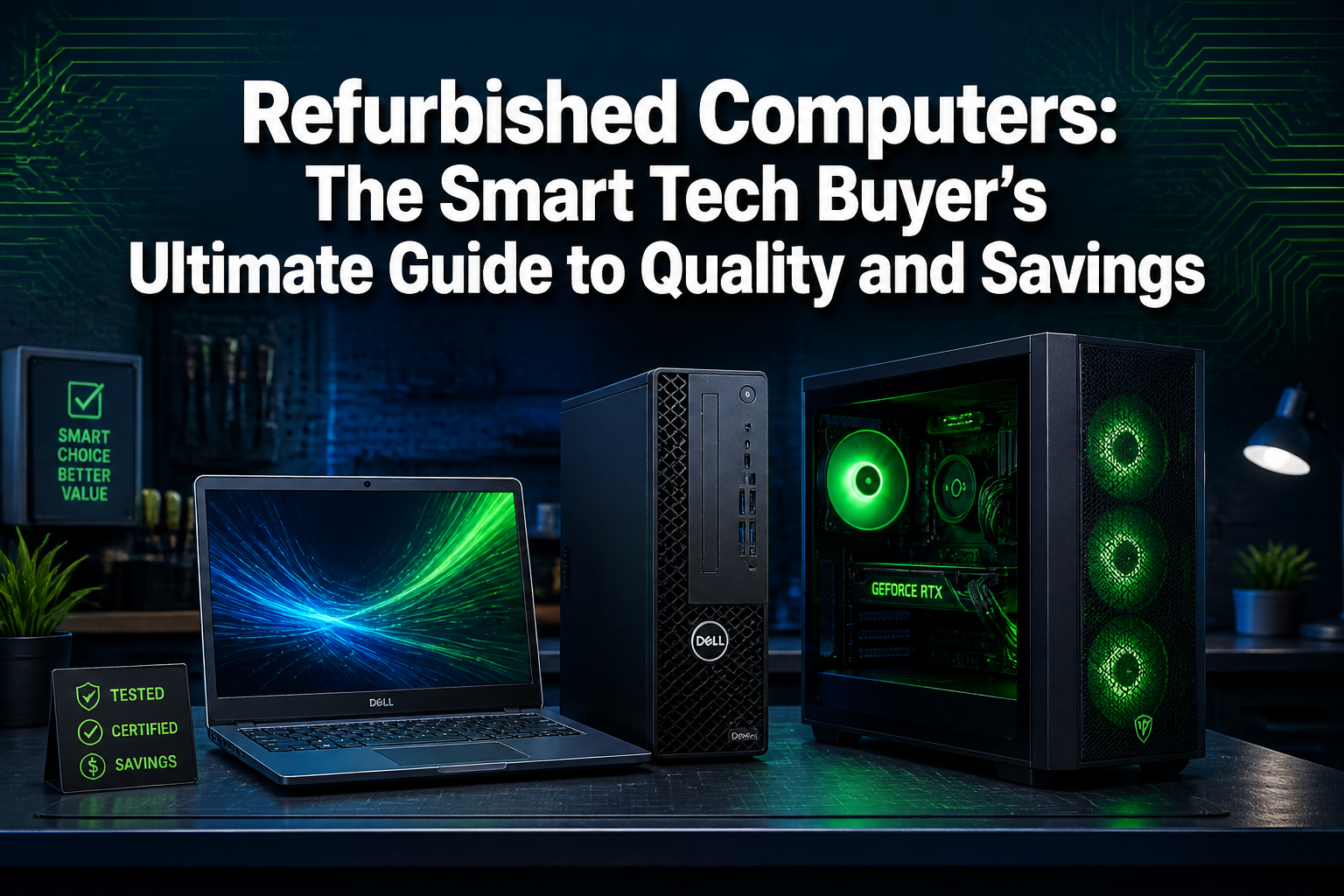
Refurbished Computers: The Smart Tech Buyer’s Ultimate Guide to Quality and Savings
Last updated: May 3, 2026
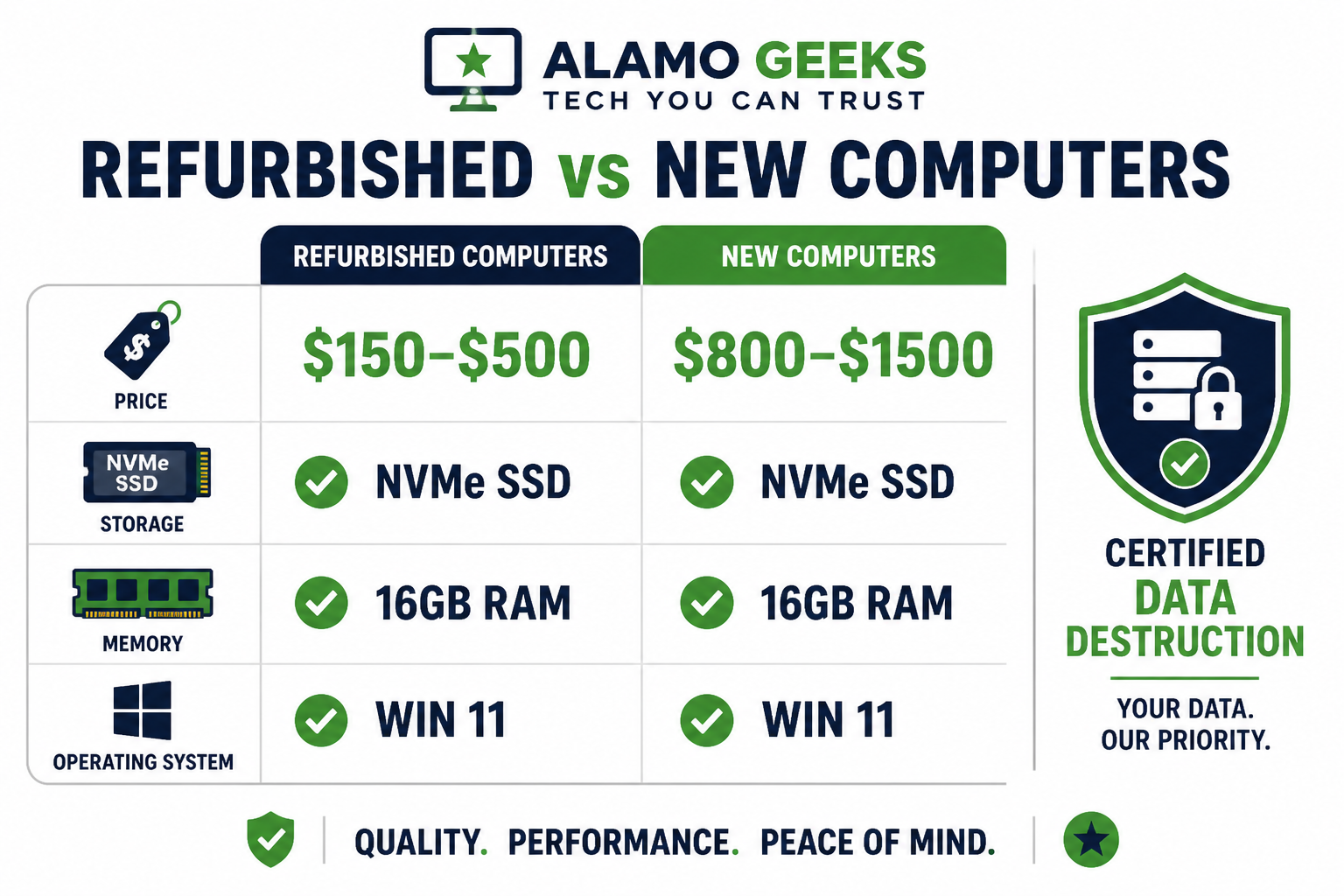
Quick Answer: Professionally refurbished computers deliver enterprise-grade hardware at 40–70% below retail price, provided they come from a certified source that performs data destruction, hardware testing, and SSD upgrades before resale. For San Antonio buyers, Alamo Geeks is the top choice — sourcing enterprise surplus, wiping it clean, and rebuilding it to perform better than the day it shipped from the factory.
🔑 Key Takeaways
- Certified refurbished computers are not “used” computers — they go through multi-point inspection, data destruction, and hardware upgrades before sale.
- Enterprise-grade sourcing means the hardware was built to a higher standard than most consumer-grade new machines.
- NVMe SSD upgrades are the single biggest performance improvement in any refurbished build — boot times drop from 60+ seconds to under 10.
- Certified Data Destruction (not just a factory reset) is non-negotiable for any machine that held prior business data.
- Refurbished desktops and laptops running Windows 11 are available from $99 to $575, covering every budget tier.
- Custom Gaming Rigs and Localized AI Workstations built from refurbished enterprise chassis deliver serious performance at a fraction of new-build prices.
- Buying refurbished is one of the most impactful eco-conscious tech choices available — it keeps functional hardware out of landfills.
- Always verify: warranty terms, grading scale (A/B/C), what was replaced, and whether the OS is a licensed copy.
What Does “Professionally Refurbished” Actually Mean?
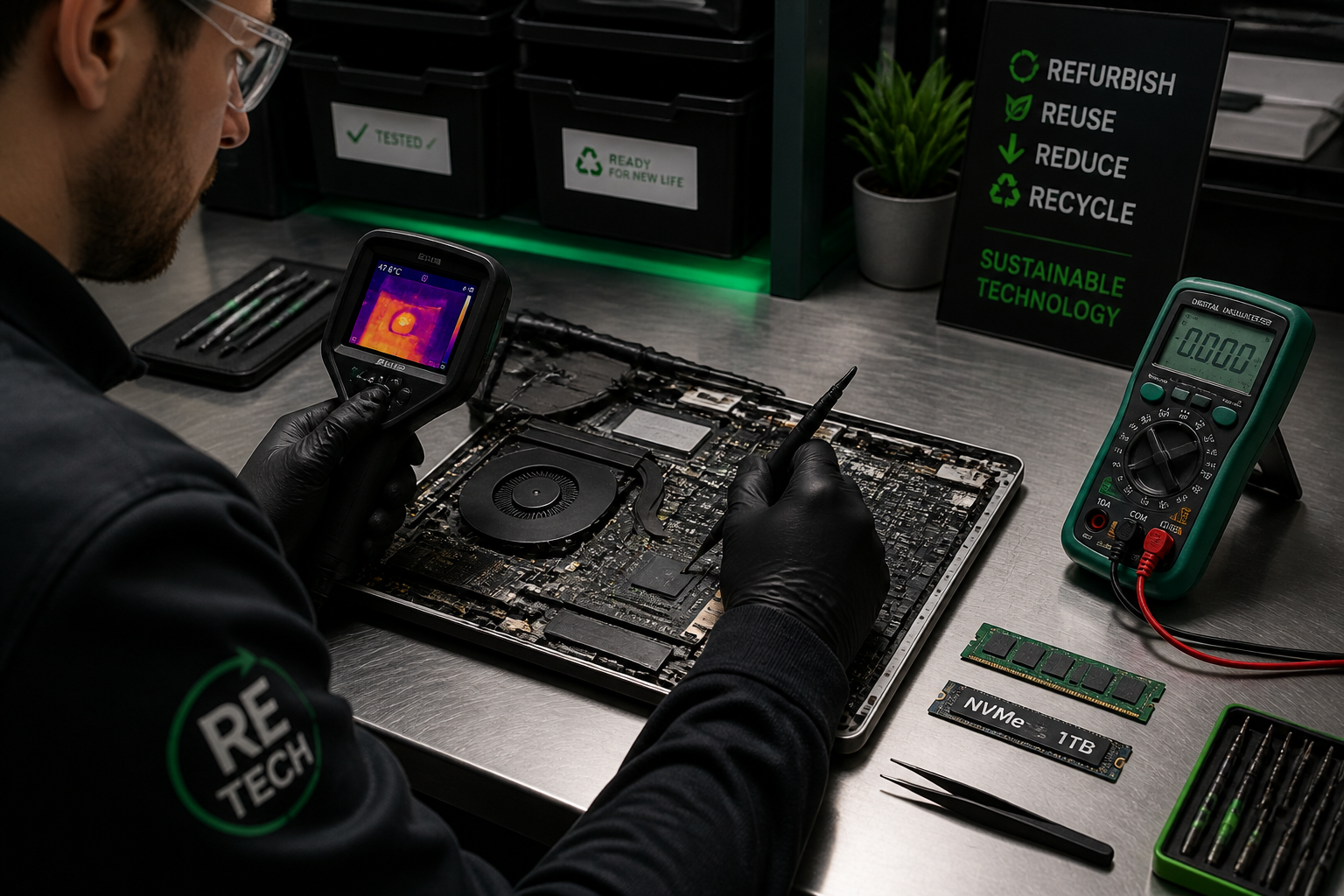
A professionally refurbished computer is not a wiped-and-relisted used machine. It has gone through a documented process: data destruction, hardware diagnostics, component replacement or upgrade, thermal cleaning, and OS reinstallation with a valid license.
The word “professionally” carries real weight here. Consumer resellers on auction sites often skip the hard parts — thermal paste replacement, SSD upgrades, battery health checks, and stress testing. A professional refurbisher treats each unit like a product, not a flip. That distinction is the entire foundation of Refurbished Computers: The Smart Tech Buyer’s Ultimate Guide to Quality and Savings.
What a proper refurbishment process includes:
- DoD-standard or NIST 800-88 data wipe — not a factory reset
- Full hardware diagnostic (CPU, RAM, storage, display, ports, battery)
- Thermal paste replacement and fan cleaning
- Storage upgrade to NVMe SSD where applicable
- Fresh, licensed OS install (Windows 11 Pro in most cases)
- Cosmetic grading (Grade A = minimal wear, Grade B = light cosmetic marks, still fully functional)
“The difference between a $99 Grade B laptop and a $99 random eBay laptop is the documented process behind it.”
Who Should Buy a Refurbished Computer (and Who Shouldn’t)?
Refurbished computers are the right choice for most buyers — but not every scenario. Here’s a direct breakdown.
Best fit for:
- 🎓 Students and home users who need reliable daily computing under $300
- 💼 Small business owners who need 5–20 workstations without blowing the IT budget
- 🎮 Gamers who want a proven chassis for a custom eSports gaming PC build
- 🔒 Privacy-conscious buyers who want certified data destruction on hardware they’re acquiring and retiring
- 🌱 Eco-conscious buyers reducing e-waste through Sustainable High-Performance Tech
Not the best fit if:
- You need bleeding-edge GPU performance for 4K video rendering or AAA gaming at max settings on day one (though custom builds close this gap significantly)
- Your warranty requirements demand manufacturer-direct support for enterprise SLAs
- You’re buying for a regulated environment that requires brand-new hardware for compliance audits
Choose refurbished if you want maximum specs per dollar. Choose new if your use case has a hard requirement for factory-sealed provenance.
How Does Enterprise-Grade Sourcing Change the Quality Equation?
Enterprise-grade sourcing is the reason professionally refurbished machines outperform most consumer-grade new laptops at the same price. Enterprise hardware — think Dell Latitude, Lenovo ThinkPad, HP EliteBook — is engineered for 8-hour daily use in corporate environments. It ships with better keyboards, stronger hinges, more RAM slots, and longer support lifecycles than consumer lines.
When a company refreshes its fleet every 3–4 years, those machines often have under 10,000 hours of use. The chassis, motherboard, and display are in excellent condition. A professional refurbisher sources these in bulk, which also drives down unit cost — savings that pass directly to the buyer.
Enterprise chassis advantages over consumer-grade new machines at the same price:
| Feature | Enterprise Refurbished | Consumer New (Same Price) |
|---|---|---|
| Build quality | Magnesium alloy / MIL-spec | Plastic chassis |
| RAM expandability | 2 DIMM slots, up to 32GB | Often soldered, 8GB max |
| Storage | Upgradeable NVMe | Sometimes eMMC |
| Keyboard | Full-travel, spill-resistant | Chiclet, no protection |
| Support lifecycle | BIOS updates available | May be EOL sooner |
For example, a Lenovo ThinkPad T590 with 16GB RAM and a 256GB NVMe SSD at $274.98 competes directly with new consumer laptops priced $150–$200 higher — and wins on build quality every time.
What Is Certified Data Destruction and Why Does It Matter?
Certified Data Destruction means the previous owner’s data is permanently unrecoverable — not just deleted, not just reformatted. This is the security foundation of any legitimate refurbishment operation.
A standard factory reset leaves data recoverable with free tools. A DoD 5220.22-M overwrite or enhanced secure erase does not. For buyers, this means the machine they receive carries zero data liability from its prior life. For sellers and businesses retiring hardware, it means compliance with data privacy regulations (HIPAA, GLBA, FACTA, and Texas state privacy law).
Why this matters for every buyer, not just businesses:
- Prior corporate machines may have held financial records, PII, or proprietary data
- A machine without certified destruction is a potential liability, even for home users
- Reputable refurbishers provide a destruction certificate on request
At Alamo Geeks’ Computer Recycling Center in San Antonio, data destruction is step one — before any hardware assessment, before any resale listing. The security-to-performance pipeline runs in that exact order: secure the data, then optimize the hardware.
What Are the Real Cost Savings on Refurbished Computers?
The savings are substantial and well-documented across the market. Refurbished computers typically sell for 40–70% less than equivalent new hardware, based on pricing comparisons across major refurbishers and retail channels in 2025–2026.
Real price examples from current inventory:
- HP 14″ Touchscreen Laptop — Intel Core i3, 8GB, 240GB SSD, Win 11 — $174.97
- Dell XPS 15 — Intel i7 10th Gen, 16GB, 1TB NVMe SSD — $250.00
- Lenovo ThinkPad E15 Gen 2 — Intel i5 11th Gen, 16GB, 256GB NVMe — $274.98
- eSports Gaming PC — AMD Ryzen 7, 32GB DDR4, NVIDIA RTX 3060 — $699.98
- Custom Gaming PC — AMD Ryzen 5 8400F, 16GB, 1TB NVMe, NVIDIA RTX 4060 Ti — $Competitive
A comparable new laptop with an i7, 16GB RAM, and 1TB NVMe retails between $900–$1,400 in 2026. The math is clear.
How Do Custom Gaming Rigs and AI Workstations Fit Into the Refurbished Market?
Custom Gaming Rigs and Localized AI Workstations represent the highest-value tier of the refurbished market. These are not off-the-shelf units — they’re purpose-built machines using enterprise chassis and upgraded components selected for a specific workload.
For gamers, this means a proven mid-tower chassis paired with a current-generation GPU, high-speed NVMe storage, and thermal testing under load. For small business owners running local AI models or automation workflows, it means a workstation with ECC memory support, a multi-core CPU, and enough VRAM to run inference locally without cloud dependency.
Why local AI workstations matter in 2026:
- Cloud AI costs scale with usage — a local inference machine has a fixed one-time cost
- Data privacy: sensitive business data never leaves the premises
- Latency: local models respond faster for real-time automation tasks
A Custom Gaming PC with Intel Core i7-13700 at 5.2GHz, 32GB RAM, and 1TB NVMe handles both high-frame-rate gaming and local LLM inference without compromise. That dual-purpose value is exactly what Sustainable High-Performance Tech looks like in practice.
What Should Buyers Check Before Purchasing a Refurbished Computer?
Every smart refurbished purchase follows a short checklist. Skipping any item is how buyers end up disappointed.
Pre-purchase checklist:
- ✅ Grading — Is it Grade A (minimal cosmetic wear) or Grade B (light marks, fully functional)? Know what you’re getting.
- ✅ Storage type — NVMe SSD or SATA SSD? Avoid spinning HDDs as primary drives in 2026.
- ✅ RAM — 8GB is the floor for Windows 11. 16GB is the standard for any productivity or multitasking use.
- ✅ OS license — Is Windows 11 a genuine licensed copy, not a gray-market key?
- ✅ Data destruction certificate — Was the prior data professionally wiped?
- ✅ Warranty — What’s covered and for how long? Even a 30-day warranty signals the seller stands behind the unit.
- ✅ Battery health (laptops) — Was the battery tested or replaced? Ask for the reported capacity percentage.
- ✅ Thermal testing — Was the unit stress-tested under CPU/GPU load to confirm stable temperatures?
Common mistake: Buyers focus only on CPU generation and ignore storage type. A 10th-gen Intel i5 with an NVMe SSD will outperform a 12th-gen i5 with a SATA SSD in most real-world tasks because storage speed is the primary bottleneck in daily computing.
Is Buying Refurbished Good for the Environment?
Yes — and the impact is measurable. Manufacturing a single laptop generates an estimated 300–400 kg of CO₂ equivalent, according to lifecycle analysis data cited by the European Environment Agency (2021). Extending a machine’s life by 3–5 years through refurbishment avoids that manufacturing footprint entirely.
For San Antonio residents and businesses, Alamo Geeks offers free computer recycling pickup with Onsite Business Pickup — meaning hardware that would otherwise go to a landfill gets a second life or is responsibly recycled. That’s the circular economy in action: retire old hardware safely, refurbish viable units, recycle what can’t be saved.
The eco math:
- 1 refurbished laptop = ~350 kg CO₂ avoided (manufacturing offset)
- 1 refurbished desktop = ~500 kg CO₂ avoided
- Free recycling = zero cost barrier to responsible disposal
FAQ: Refurbished Computers
Q: What’s the difference between “refurbished” and “used”? A: A used computer is resold as-is. A refurbished computer has been inspected, repaired, upgraded, and tested by a professional before resale. The process — not the age — is what separates them.
Q: Are refurbished computers reliable for daily work? A: Yes. Enterprise-grade refurbished machines are built to higher durability standards than most consumer laptops. With an NVMe SSD and 16GB RAM, they handle daily productivity, video calls, and multitasking without issue.
Q: Do refurbished computers come with Windows 11? A: Most professionally refurbished units from reputable sellers include a genuine licensed Windows 11 install. Always confirm the license type before purchasing.
Q: How long do refurbished computers last? A: With proper thermal maintenance and an SSD, a refurbished enterprise laptop typically delivers 3–5 additional years of reliable use from the point of purchase.
Q: Is it safe to buy a refurbished computer that held corporate data? A: Only if the seller performed Certified Data Destruction — not just a factory reset. Always ask for documentation. At Alamo Geeks, data destruction is the first step in every unit’s processing pipeline.
Q: Can I get a warranty on a refurbished computer? A: Yes. Reputable refurbishers offer warranties ranging from 30 days to 1 year. A warranty is a direct signal of the seller’s confidence in their own process.
Q: What’s the best refurbished laptop under $300? A: For most users, a Lenovo ThinkPad or Dell Latitude with an 8th–10th gen Intel Core i5, 16GB RAM, and a 256GB NVMe SSD hits the ideal balance of performance and price in that range.
Q: Can I sell my old computer to Alamo Geeks? A: Yes. Alamo Geeks offers cash for computers and laptops in San Antonio with free pickup, making it easy to responsibly retire old hardware.
Q: What makes Alamo Geeks different from other refurbishers? A: Alamo Geeks combines enterprise-grade sourcing, certified data destruction, hardware upgrades (NVMe SSDs, thermal servicing), and custom builds — all from a San Antonio-based operation with Onsite Business Pickup. It’s the full circular economy under one roof.
Q: Are refurbished gaming PCs worth it? A: Absolutely. A refurbished chassis paired with a current-generation GPU delivers competitive gaming performance at 30–50% less than an equivalent new build. Custom Gaming Rigs built on proven enterprise hardware are a smart value play for any serious gamer.
Conclusion: The Smart Move Is Already in Front of You
Refurbished Computers: The Smart Tech Buyer’s Ultimate Guide to Quality and Savings comes down to one core truth: the best value in computing in 2026 is not a new machine — it’s a professionally rebuilt one.
Enterprise-grade hardware, Certified Data Destruction, NVMe SSD upgrades, and thermal testing combine to produce machines that outperform their price tags by a wide margin. Whether the goal is a reliable work laptop under $300, a Custom Gaming Rig that handles modern titles, or a Localized AI Workstation that keeps sensitive data off the cloud, the refurbished market delivers.
Actionable next steps:
- Browse current inventory at Alamo Geeks — filter by budget, use case, and specs.
- Retire old hardware responsibly — schedule a free Onsite Business Pickup or drop off at the San Antonio recycling center.
- Get cash for old machines — check eligibility at the Alamo Geeks buyback page.
- Ask about custom builds — if the standard inventory doesn’t match the workload, Alamo Geeks builds to spec.
The hardware already exists. The data is already destroyed. The performance is already proven. The only question left is whether to keep paying retail prices for less.
References
- European Environment Agency. (2021). Lifetime extension of mobile phones and computers: Environmental and economic assessment. EEA Technical Report. https://www.eea.europa.eu/
- U.S. National Institute of Standards and Technology. (2014). Guidelines for Media Sanitization (NIST SP 800-88 Rev. 1). https://csrc.nist.gov/publications/detail/sp/800-88/rev-1/final
- International Data Corporation (IDC). (2023). Worldwide PC Market Forecast. https://www.idc.com/